The next-level ATM experience

With Mobile Cash, we’re upping our seamless banking features. Withdraw cash or have any payee withdraw it for you from any Rakbank ATM without even touching your debit card.
What is Mobile Cash?

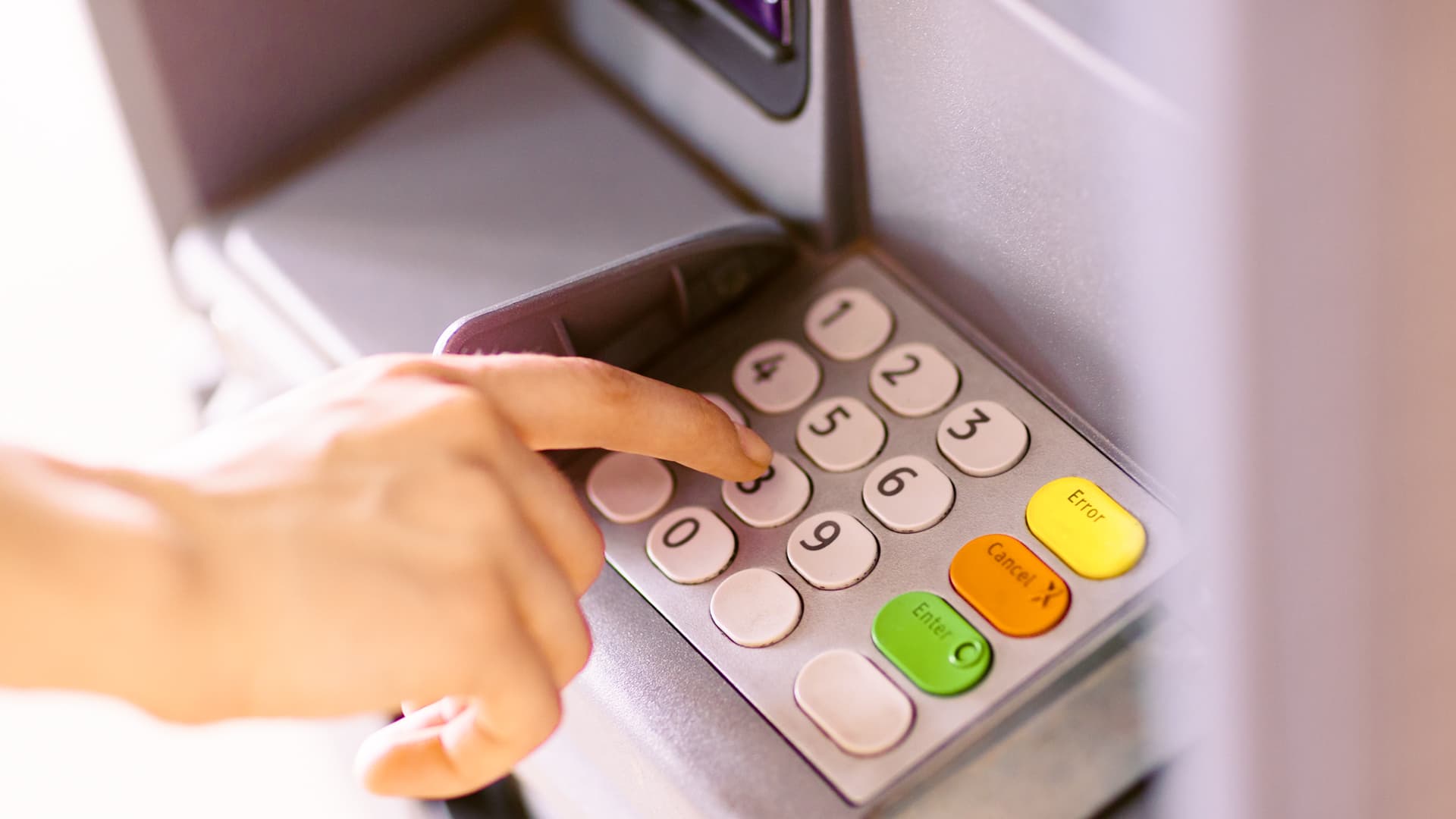
Mobile Cash is our cardless cash withdrawal feature. This service on the Rakbank app enables you or a beneficiary to withdraw cash from any Rakbank ATM without using your Rakbank debit card.
info

How does it work?

To use Mobile Cash:
1. Open the app and log in to land on the home screen
2. Tap Payments at the bottom navigation bar
3. Scroll down to the More actions section and tap Mobile Cash
4. Choose who you want to send money to:
    • Tap Self to send to yourself, or
    • Tap Payees to see your saved MobileCash payees
5. Select the recipient from the list
    • If sending to Self, tap on your name
    • If sending to Payees, tap on the payee's name
6. Select the account you wish to withdraw from and enter the amount on the screen
7. Check the payment details and tap Confirm
8. Enter your OTP or Raktoken PIN when prompted
 
And that's it. A One-Time Password (OTP) will be sent as an SMS to your registered mobile number.
 
To withdraw:
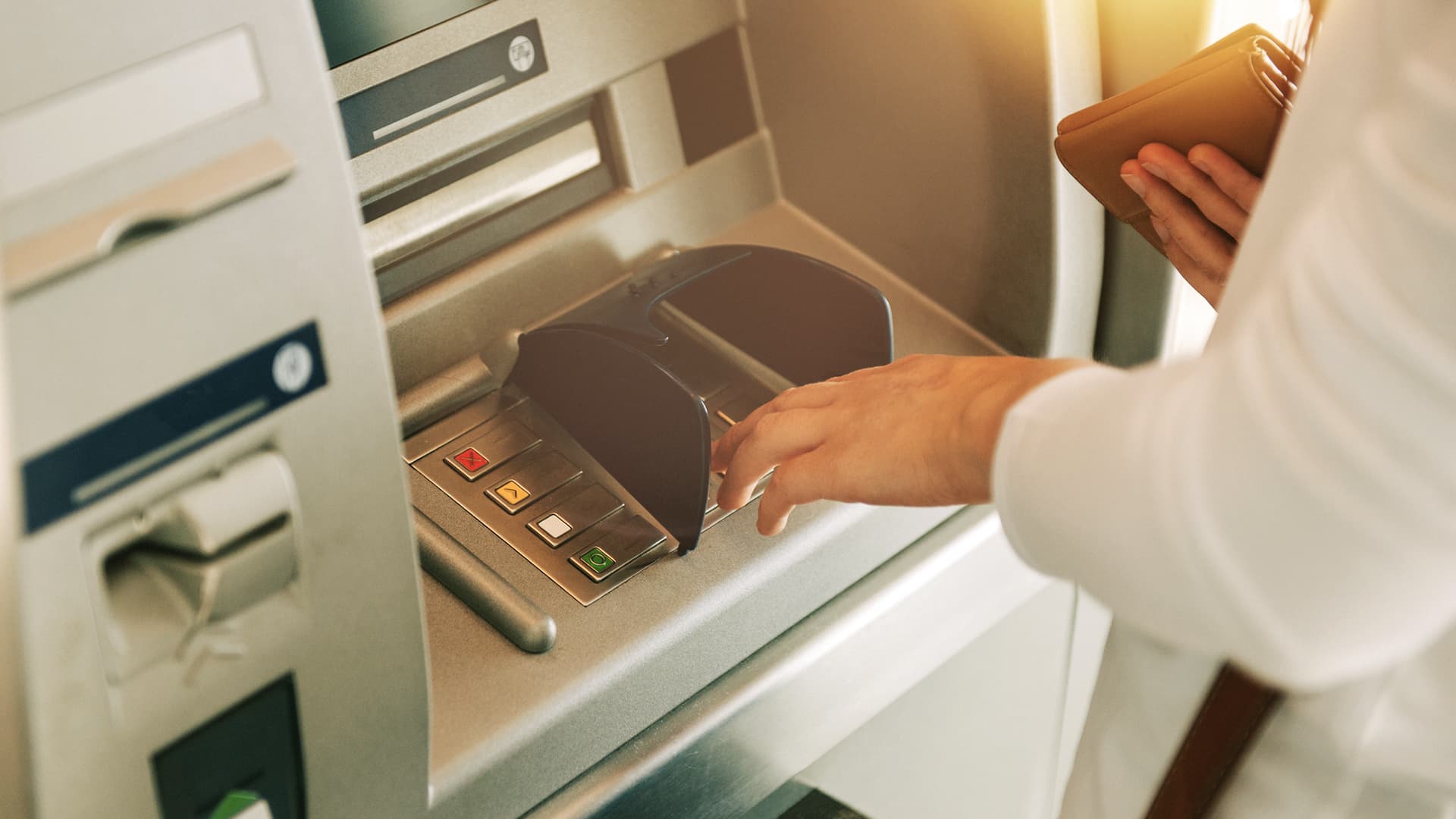
1. Visit any Rakbank ATM
2. Press the Enter button
3. Select Mobile Cash
4. Type in the OTP, then enter the amount
 
Receive your cash instantly. It's that easy!

Who can use Mobile Cash?

Any customer with an active Rakbank account and active digital banking access can use the Mobile Cash service.

If you’re sending money to a payee, they’ll need a valid UAE mobile number.

We’re here to help

Chat with an agent
mark_chat_unread

Get quick answers to your queries.

RAKBANK mobile and digital banking features enabling customers to bank anytime, anywhere

Bank on the go, anytime, anywhere

Discover the Rakbank app and enjoy digital banking designed to fit your day. Manage your accounts, make secure transactions, and access smart features all in one simple, easy-to-use app

App Store
Loading...